

 English
  हिन्दी
  Indonesia
  Tiếng Việt
  العربية
Olymp Trade for Desktop offers many better advantages when trading Forex or Fixed Time Trade. While people are stuck with low performance of PC, problems with the browser, the Olymp Trade App for Desktop had handled all those issues, make the app smoother during using. This article will describe how to download and install the Olymp Trade App on Windows.
What are the specials in the Olymp Trade App for Desktop?
The Olymp Trade desktop application has many features that can benefit individual traders. Indeed, the main reasons to use this application instead of the browser are security and speed.
Using a desktop version is more secure than the browser version, and if security is an essential factor for you, this might be the right choice. Another common reason is the speed of desktop applications. If you are running an older computer or a computer with limited memory, the desktop application will usually work much faster than the browser.
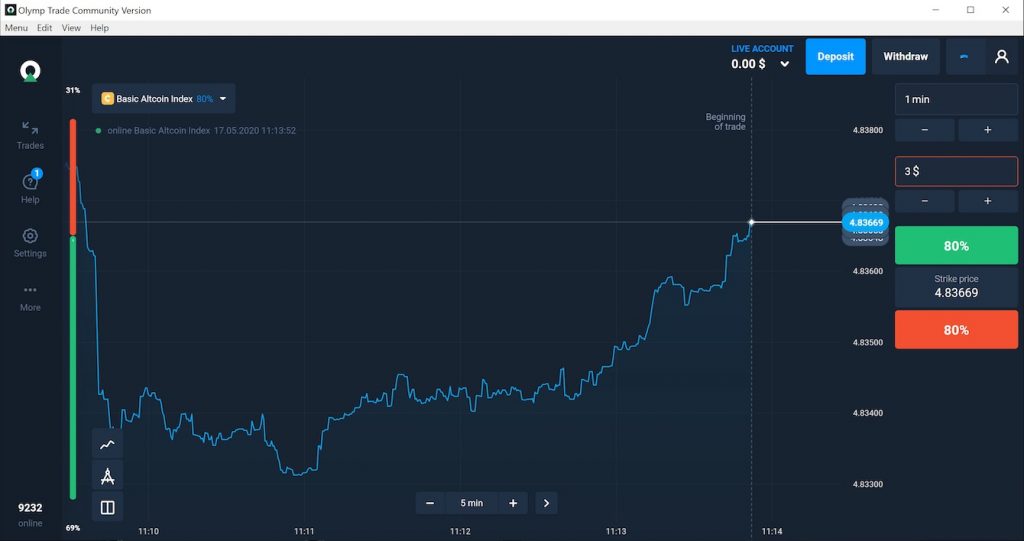
The Olymp Trade App version has improved performance when comparing it with the website. Besides, the graphics on the Windows app version are smoother several times. Thus, trading on Desktop will save your time as much.
If you do not have an Olymp Trade account to trade Forex, register with the button below to receive $10,000 immediately. And see the article https://traderrr.com/how-to-create-an-olymp-trade-account-activate-get-free-10000/ to see the notes.
Register Olymp Trade & Get Free $10,000 Get $10,000 free for newbies
Install Olymp Trade App on Windows
Step 1: Go download page of Olymp Trade
You should go https://olymptrade.com/download to download.
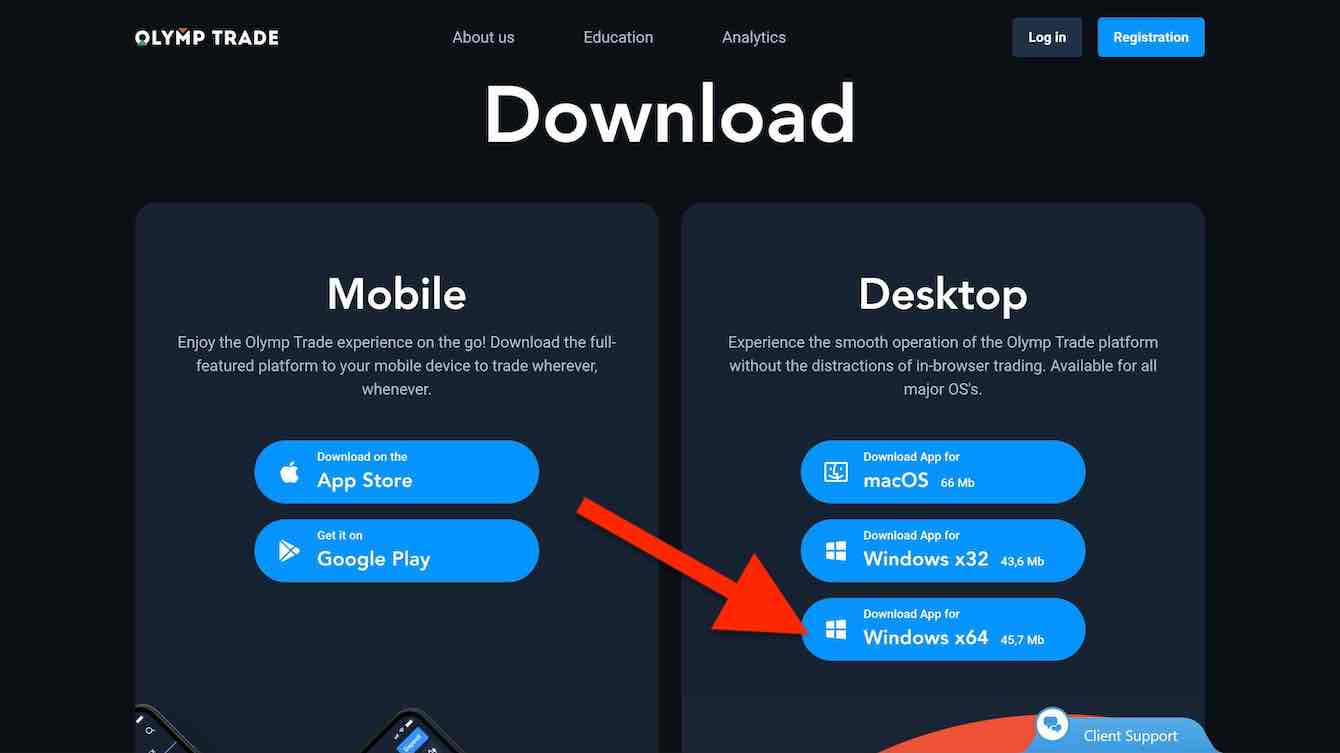
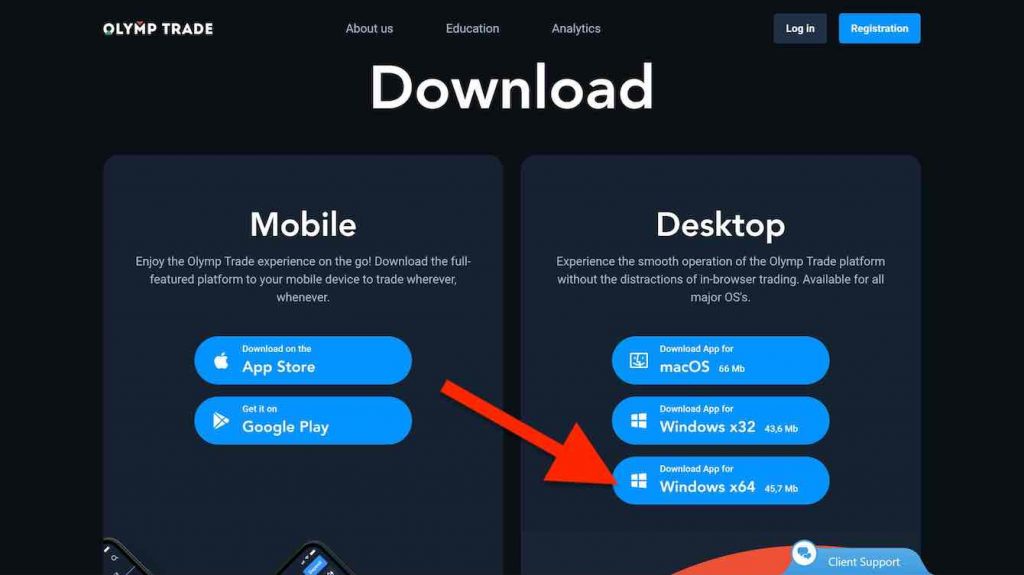
Step 2: Click on the Windows button to download the installer
App Olymp Trade is available on App Store, Google Play, macOS, Windows 32bit, Windows 64bit.
Go download page and click on Windows Button to download Olymp Trade App.
Step 3: Open file downloaded
You need to click to open the downloaded package. Then, the installer will start immediately as below.
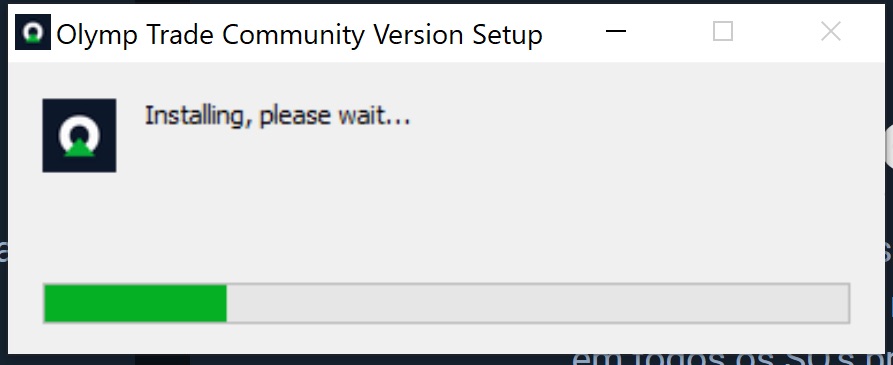
After successful installation, the Olymp Trade Community Version will appear with Login Page
Step 4: Login your Olymp Trade account at the Login page
At this step, you might not sign in by Facebook account or Gmail account
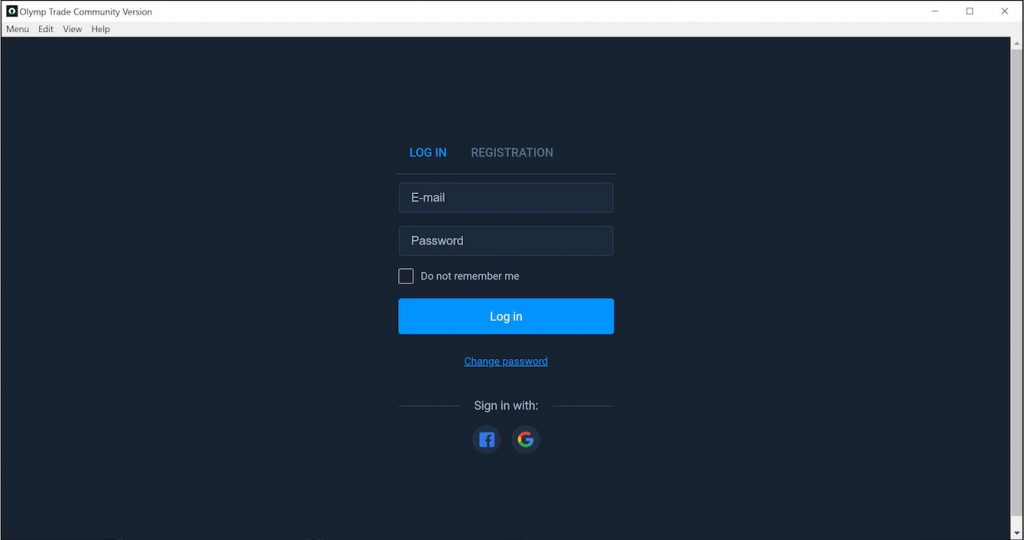
Step 5: Finish, you have already installed the Olymp Trade App on Windows
Features of the Olymp Trade App on Windows have smoother than the website at all. Thus, we suggest you use this App on Windows 10 more regularly.
English हिन्दी Indonesia Tiếng Việt العربية







 General Risk Notification: Transactions offered by Olymp Trade can be executed only by fully competent adults. Transactions with financial instruments offered on Olymp Trade involve substantial risk and trading may be very risky. If you make Transactions with the financial instruments offered on Olymp Trade, you might incur substantial losses or even lose everything in your Account. Before you decide to start Transactions with the financial instruments offered on Olymp Trade, you must review the Service Agreement and Risk Disclosure Information. Olymp Trade is operated by Saledo Global LLC; Registration number: 227 LLC 2019; Registered Office Address: First Floor, First St. Vincent Bank Ltd Building, P. O Box 1574, James Street, Kingstown, St. Vincent & the Grenadines.